

Blog > Getting Your Website Ready for Christmas
Posted By Create

The run-up to Christmas is one of the busiest times of the year for online businesses, making it the perfect moment to give your website a little seasonal attention. Clear communication, smooth checkout experiences, and thoughtful touches can make a big difference to customers trying to plan their festive shopping. In this guide, we’ll walk you through a few quick but impactful steps - from updating holiday information and reviewing delivery options, to checking payment gateways, setting up multibuy offers, and even adding a touch of festive flair to your site.
Clearly Display Key Christmas Information
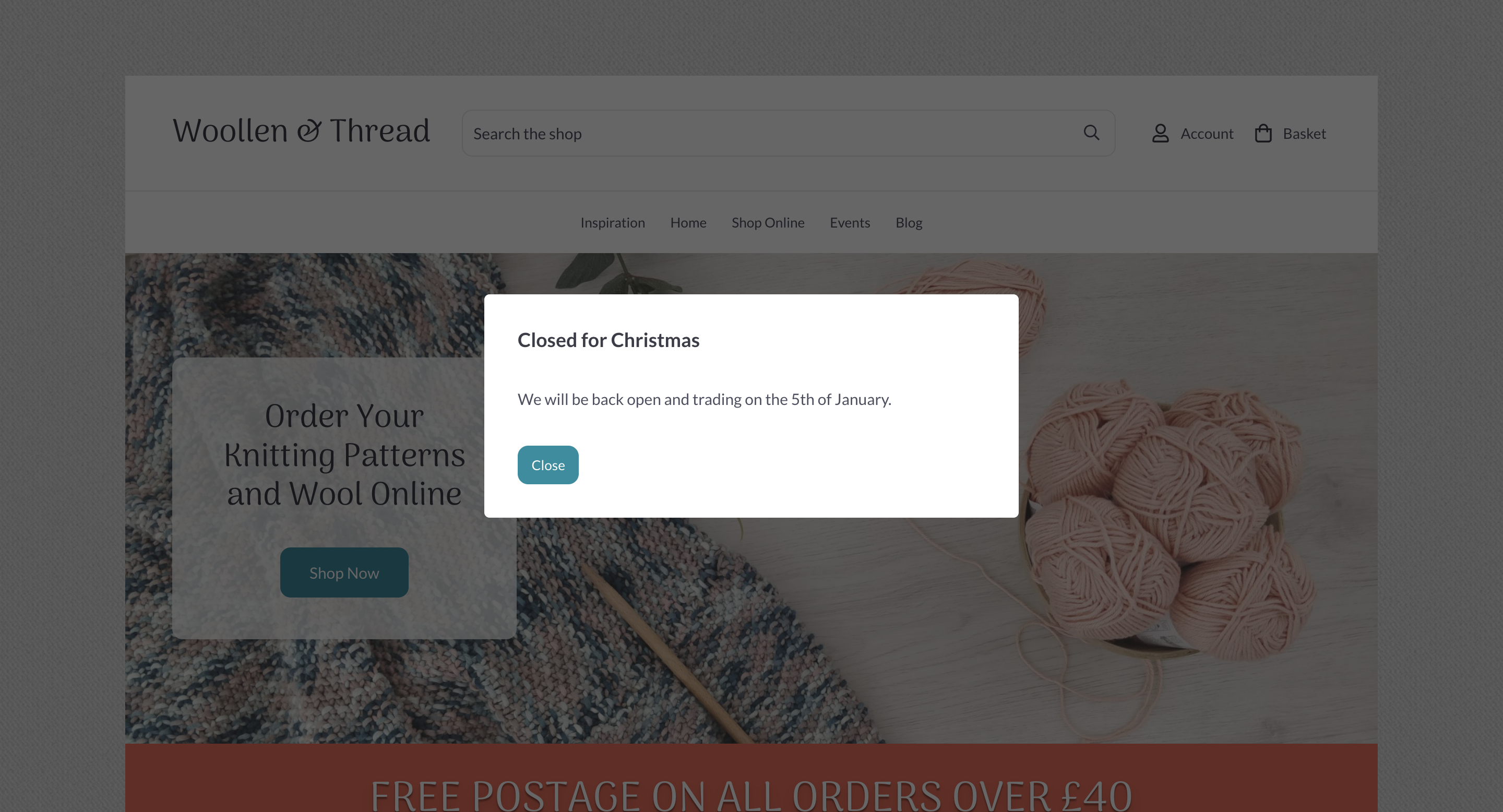
The festive season moves quickly, so make it easy for customers to find essential details like adjusted opening hours, final order dates, and holiday closures. Highlighting this information upfront helps set expectations and reduces the number of enquiries you receive during your busiest period.
We have a number of tools to make this simple if you’re on our Professional or Business plan. A customisable pop-up is perfect for time-sensitive updates that customers shouldn’t miss, such as delivery cut-offs or temporary closures. For information that needs to stay visible across your site, an announcement bar at the top of each page provides a clear, unobtrusive reminder without interrupting browsing.
Keep messages short, direct, and easy to skim - customers are often in a hurry at this time of year. If you have more detailed updates, link through to a dedicated Christmas information page. And as the season progresses, remember to keep your pop-up or announcement bar updated so customers always see the latest information.
Review Your Payment Gateways
In this busy festive season, it’s a good idea to check over the payment options you offer your customers at the checkout. Create supports a range of payment gateways, and you can have multiple enabled at once, giving your customers options of how to pay.
You can easily enable/disable any payment gateways using the active toggle in the Payment Gateway area.
If you are using PayPal as one of your gateways, it’s a good idea to check that you are updated to the latest integration we support. More details about this can be found here.
Additionally, you can upgrade your PayPal connection to include the support of Apple Pay and Google Pay, which is an appealing feature, especially at this busy time of year. More details about this can be seen here.
Entice Larger Orders With Multibuy Deals
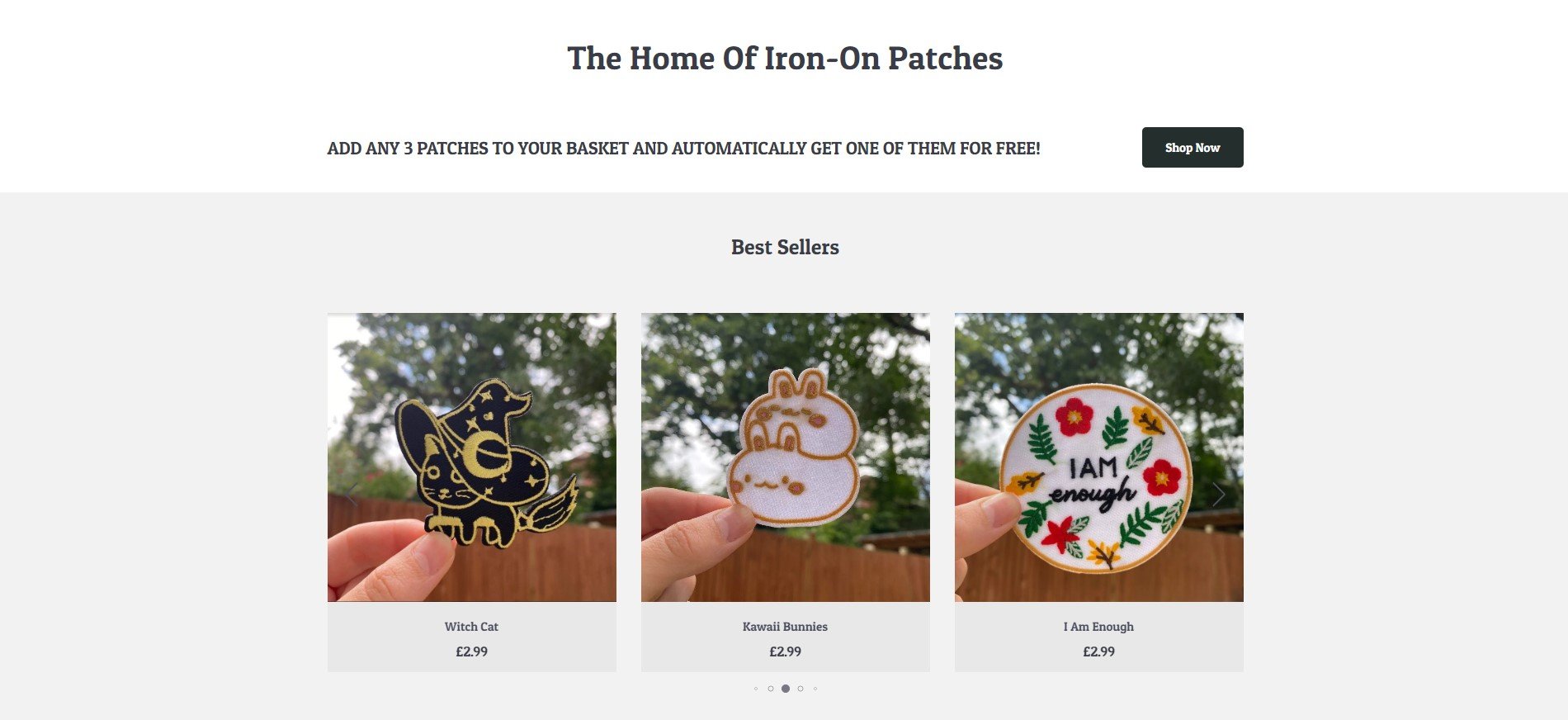
Utilising multibuy options in your online shop is another powerful strategy to increase your average order value and is an appealing offer to customers browsing. Multibuy entices customers to purchase more products by offering them a discount when they buy several items at once.
During this festive season, it’s a great opportunity to increase average basket spend, along with helping to clear out some older stock you might have. A New Year sale could be a good opportunity to utilise this feature, for example.
If you are on our Business plan, setting up multibuy options, you can create a win-win situation for both your customers and your business, driving higher order values and boosting overall revenue.
You can learn more about the multibuy feature here.
Review Your Postage Options
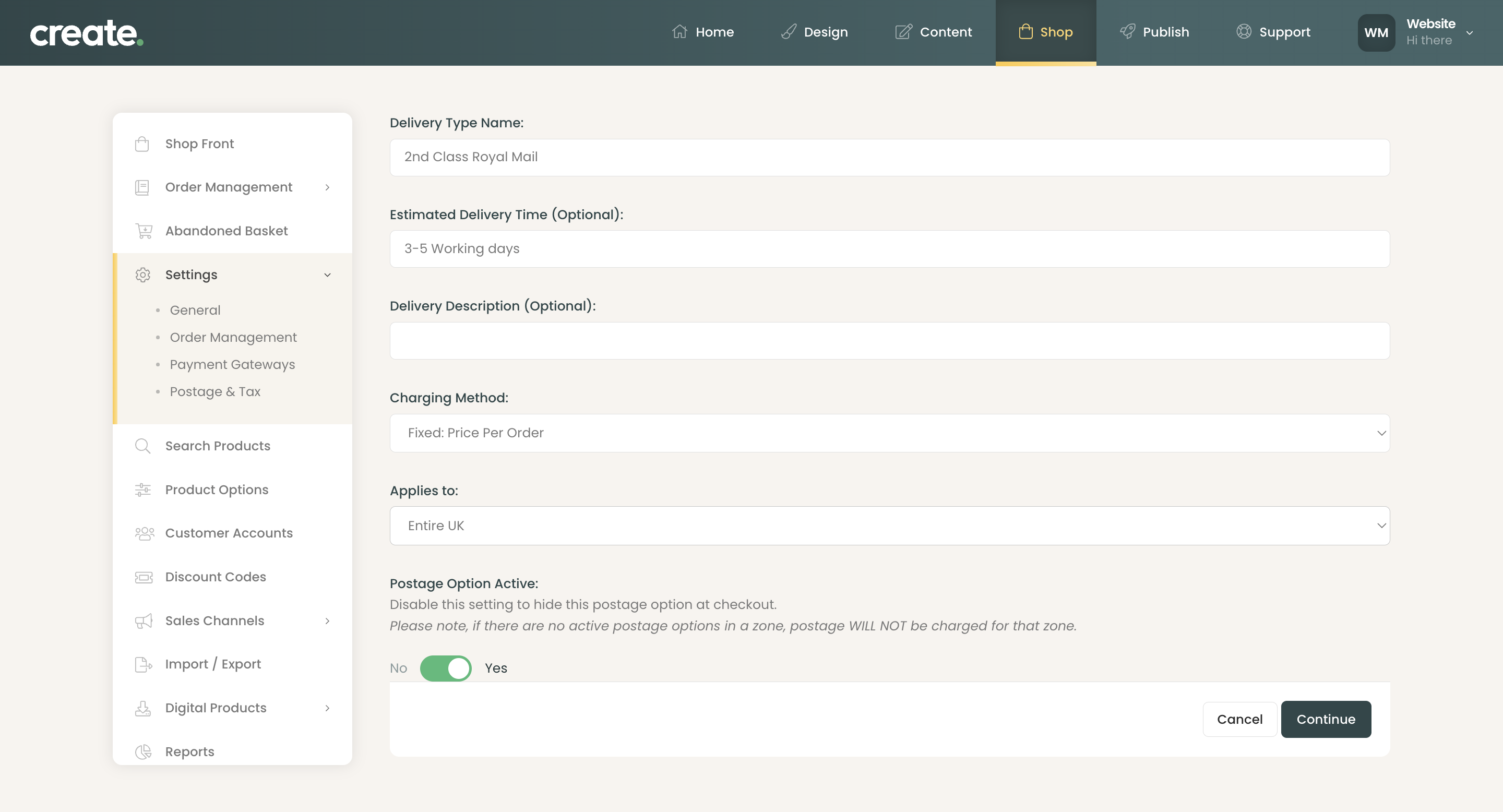
With delivery networks under extra pressure during December, it’s important to double-check your active postage options so customers know exactly what to expect. Make sure each option has an accurate Estimated Delivery Time to help avoid disappointment and reduce last-minute enquiries.
If there are services you don’t want to offer over the festive period - for example, slower methods that may not arrive on time - you can use the Postage Option Active toggle to temporarily disable them. Streamlining your postage choices not only sets clearer expectations but also helps customers choose the most reliable shipping method during the busiest time of year.
You can see our blog post on Royal Mail’s last posting dates here.
Add a Festive Touch With Snowfall Effects
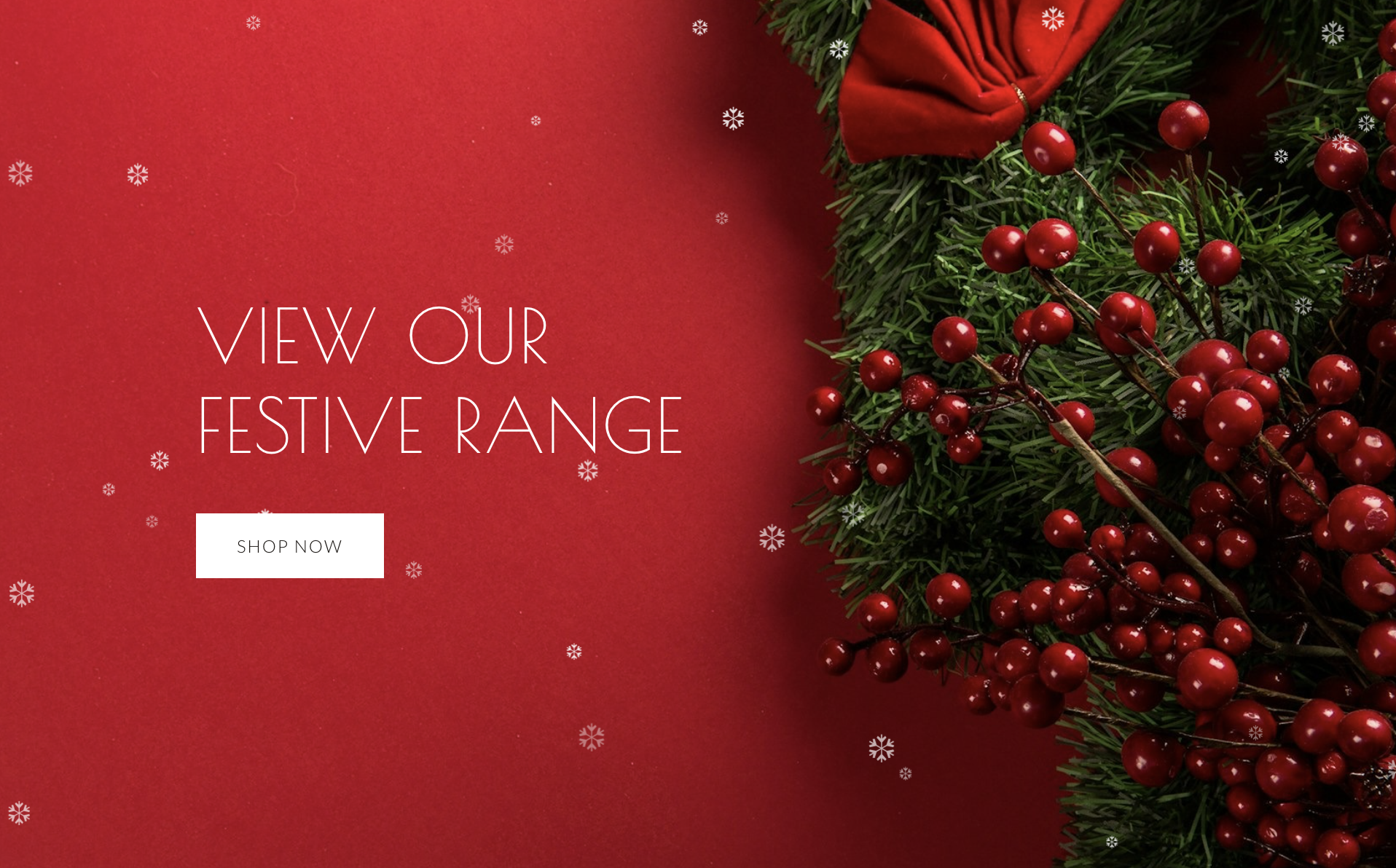
To finish off your Christmas preparations, consider adding a little seasonal charm to your site with our Snowfall Effect. It’s a simple way to give your website a warm, festive feel and create a memorable experience for visitors. You can adjust both the speed and density of the snow, so whether you prefer a gentle flurry or a full winter wonderland, you can tailor the animation to match your brand and the atmosphere you want to create.
It’s a small touch, but one that helps set the tone for the season - and shows customers you’re putting extra care into their holiday experience.
See it in action here.
Want Your Own Website?