

Help Centre
Support > Designing and Building Your Website > Designing Your Website
How To Add Tabbed Blocks
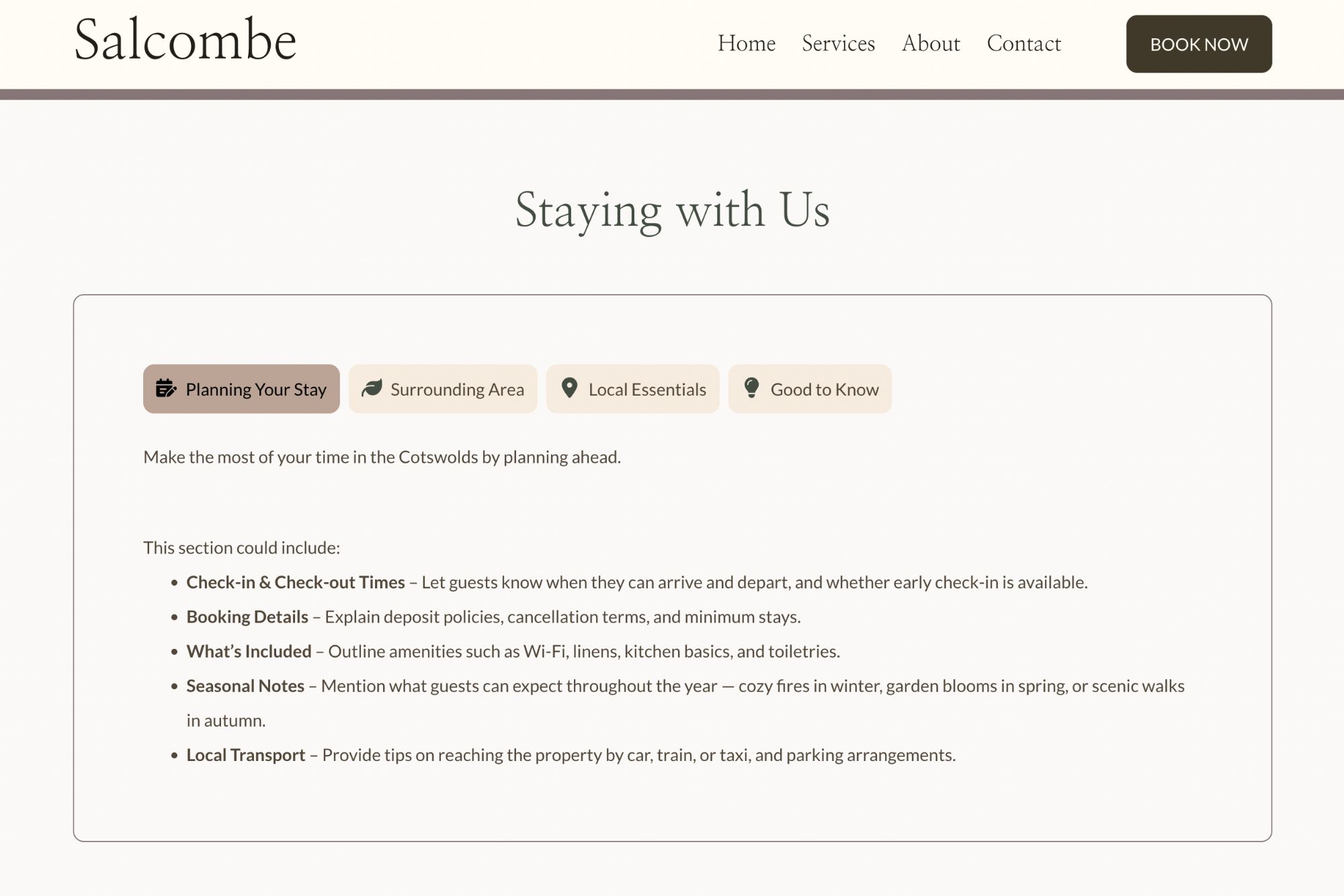
Ready to give your content a clean, professional new look? Adding Tabbed Information Blocks is simple and they’re available now in your website editor, just like any other content block.
Tabbed Information Blocks let you group related information into easy-to-navigate tabs. Each tab can include text, images, icons, or even embedded content, allowing you to create a seamless browsing experience for your visitors.
How To Add Tabbed Blocks
If you are looking to display content in a tabbed display, you can find the Tab Blocks in the following way:
Open the page or blog post you’d like to edit.
Click + Add Block where you want your tabs to appear.
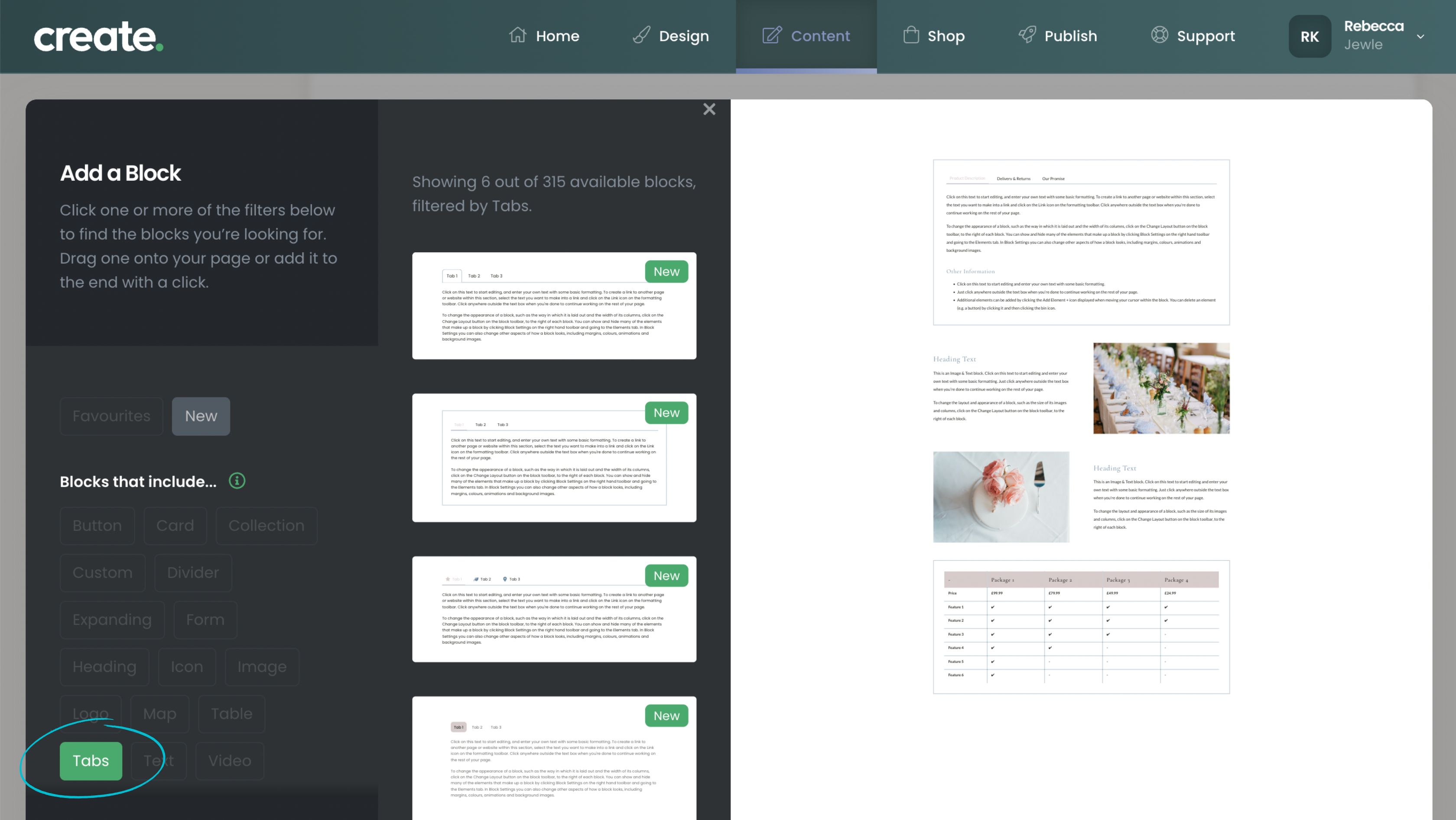
In the block selector choose Tabs in the Blocks That Include... filter
Choose from the range of different layout and style options you can preview before adding.
Click on the design you'd like to use and it will be placed into your page.
Adjust your tab headings, choose icons and add your content.
Tip: Try using tabs for sections like Delivery & Returns, Care Instructions, FAQs, or Materials & Craftsmanship.
Related Articles
Related Articles


More Questions?
If you have any further questions, please get in touch and we will be happy to help.
Get in Touch