

Help Centre
Support > Promoting Your Website > Email Marketing
How to add an EcoSend Signup Form to your Website
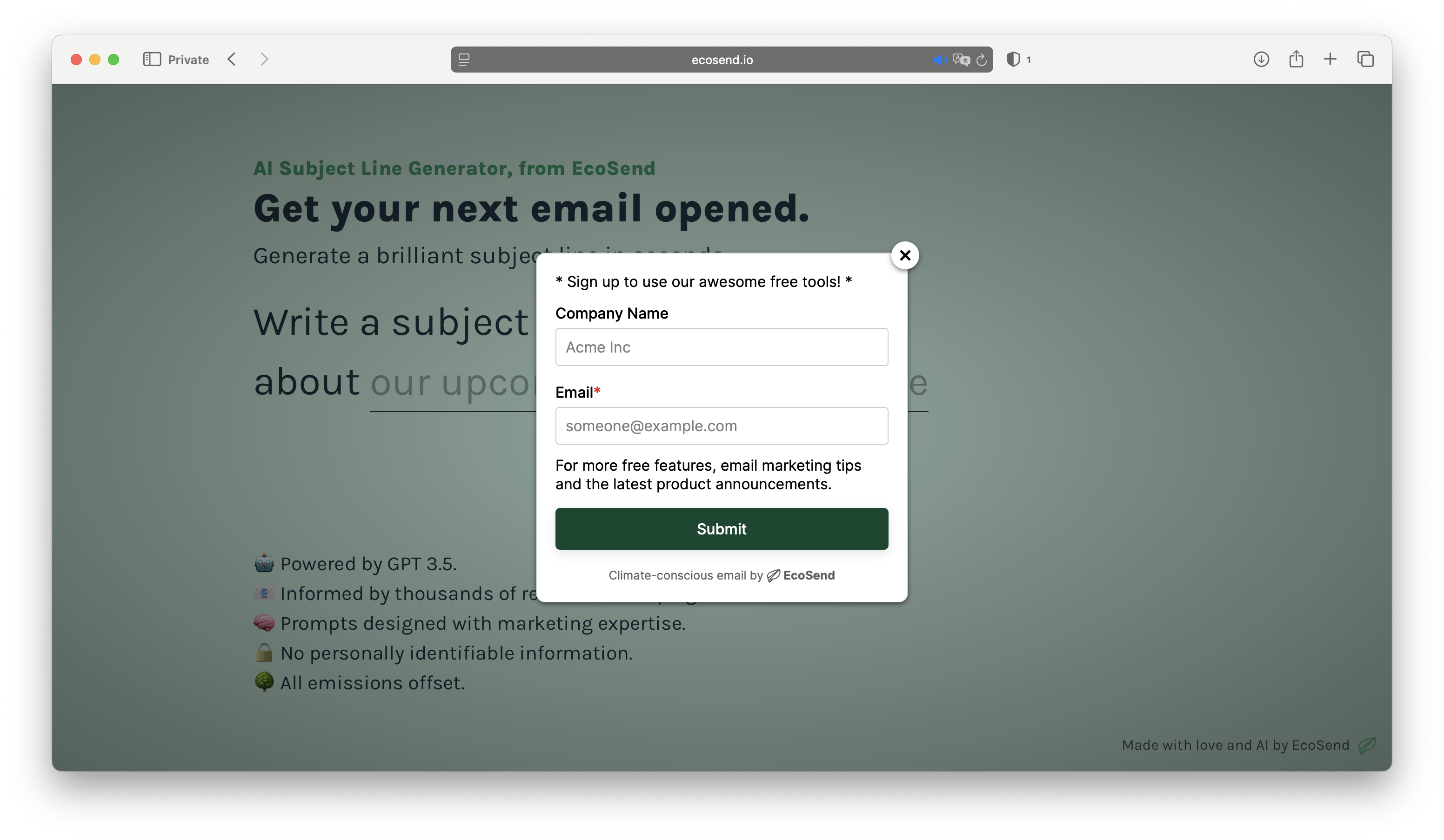
EcoSend are a climate-conscious email marketing platform which you can easily integrate with your Create website. For every month you use EcoSend, even on their free price plan, they will plant a tree on your behalf, and they are 100% carbon neutral.
They offer a range of different packages; their free package is very generous and will support 1,000 monthly emails and a monthly tree planted for using them.
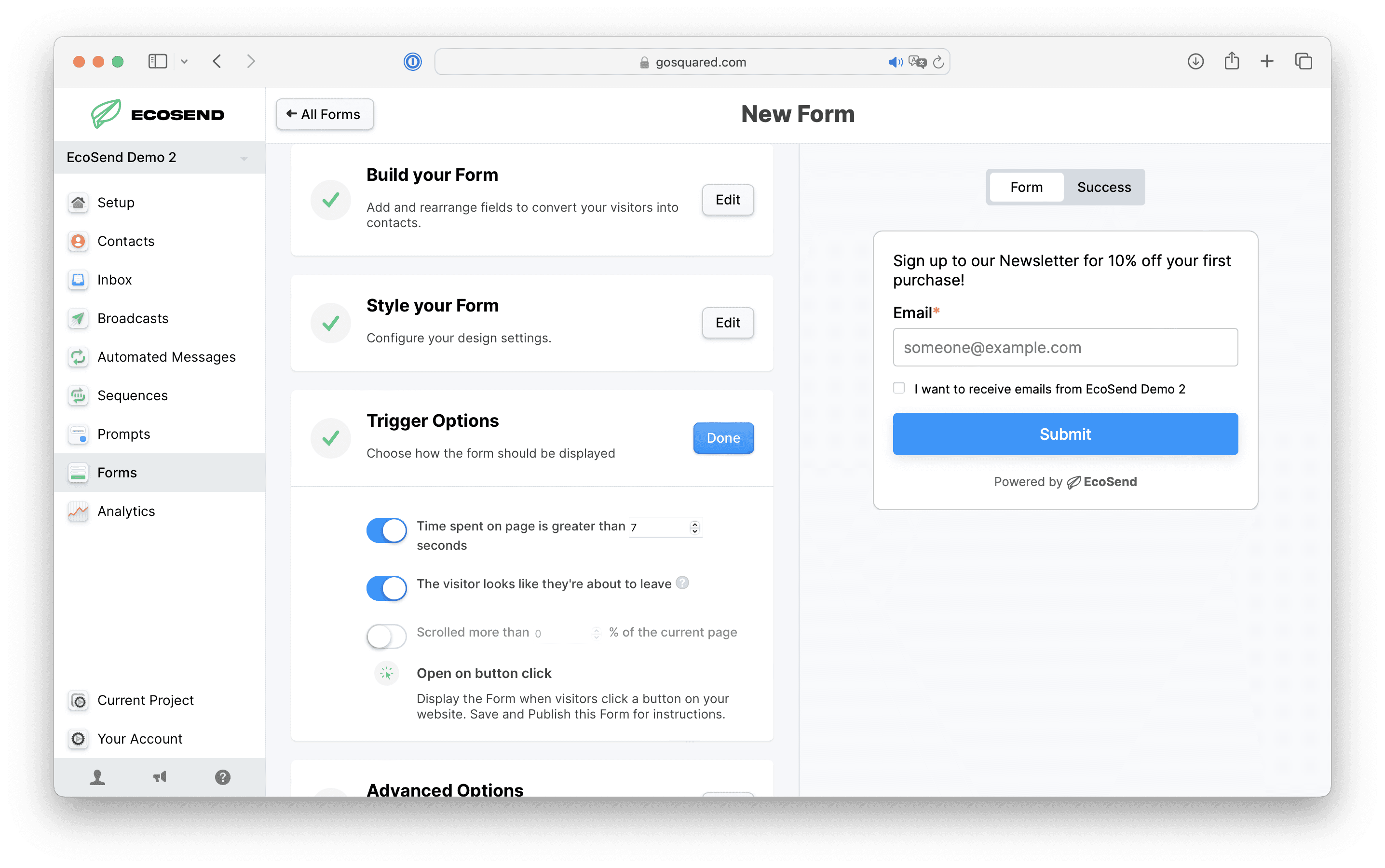
Their pop-up form tool makes it easy to capture new subscribers directly from your website. With just a few steps, you can create a customised newsletter sign-up form that appears at the perfect moment - whether that’s after a delay, on scroll, or when a visitor is about to leave the page. The form’s colours, fields, and behaviour can all be tailored to match your brand, and every submission is added straight into your EcoSend contact lists.
This guide will walk you through how to set up your form in EcoSend and connect it to your website so you can start growing your mailing list right away.
Want Your Own Website?
Start Building Today!
No credit card needed. By submitting this form you agree to our T&Cs and Privacy Policy.Creating the pop-up form
Log into your EcoSend account
Click Forms in the left-hand menu
Click the Create New Form button in the top right-hand corner
Name your form, then select the Pop-up option
Use the next few steps to customise your form and choose what triggers it to appear
Once done, click the Create Form button
On the pop-up that appears, copy and save the first bit of code at the top.
For more information on form building, see EcoSend's guide here.
Adding the pop-up form to your website
Log into your Create account
Click Content on the top menu
Click Integrations & HTML >> Integration Library in the left-hand menu
Select the EcoSend Pop-up Form integration from the Marketing category
Name your integration, then paste your pop-up form code snippet into the EcoSend Code box
Click Save Changes then publish your site to make the pop-up form live!
Related Articles


More Questions?
If you have any further questions, please get in touch and we will be happy to help.
Get in Touch