

Help Centre
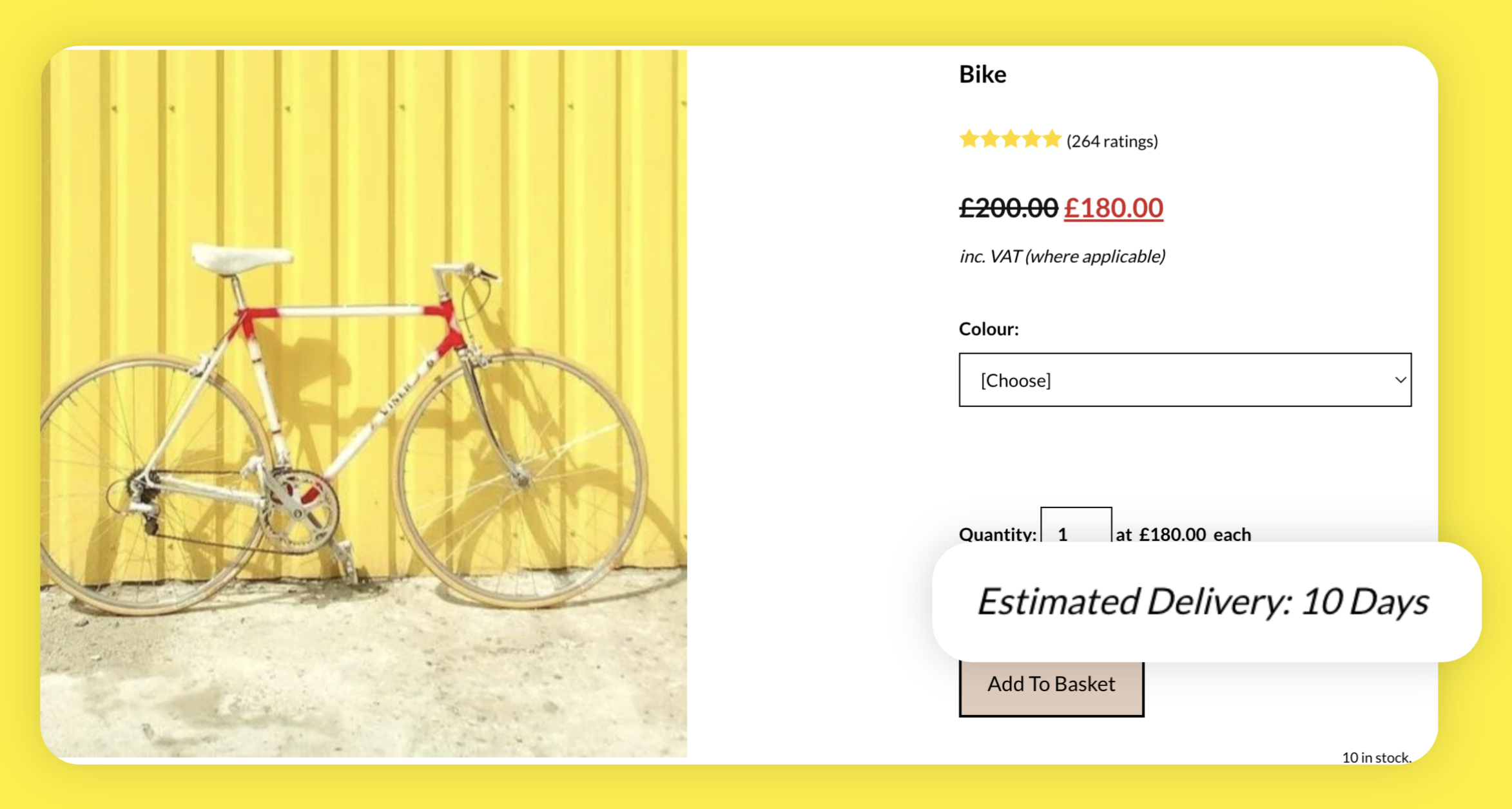
Whether you'd like to add a notice about your current estimated delivery times or simply let customers know that postage will be calculated at checkout, you can use the Custom Textbox integration to add information above the Add To Basket button on your products.
How To Create Your Custom Text Field
Click Content >> Integrations & HTML
Click Integrations Library
Select the Product Custom Textbox Integration
Give a description to the pop-up, which will help you to identify it
Add the information you would like to display in the Text box.
You then have a couple of placement options:
How To Place The Custom Text Field On Every Product
After you've added the information in the Text box:
In the Output section, select On Product Pages
In the Location section, select Body
Click the Add Integration button
Republish your site to make the notice live!
How To Place The Custom Text Field On A Specific Product
After you've added the information in the Text box:
In the Output section, select Manually
Click the Add Integration button
Find the product you'd like to add the text field to in your Shop and edit that product
Access the Long Description area and click Edit Content
Click Add Block, then select the Custom filter in the Blocks that include... section
Click on the Custom Single Element block to add it to the page
On the placeholder, click the Add Element button, followed by Integration from the list
Select your Custom Text Field from the drop-down menu
Click the Done button in the top right-hand corner
Click the Save Changes button at the bottom of the screen to update your product.
Related Articles


More Questions?
If you have any further questions, please get in touch and we will be happy to help.
Get in Touch