
New Tools & Features For Your Website - Spring 2026 Update
New updates have come to Create. Including new template features, new integrations, improved forms, sections and more!


New updates have come to Create. Including new template features, new integrations, improved forms, sections and more!
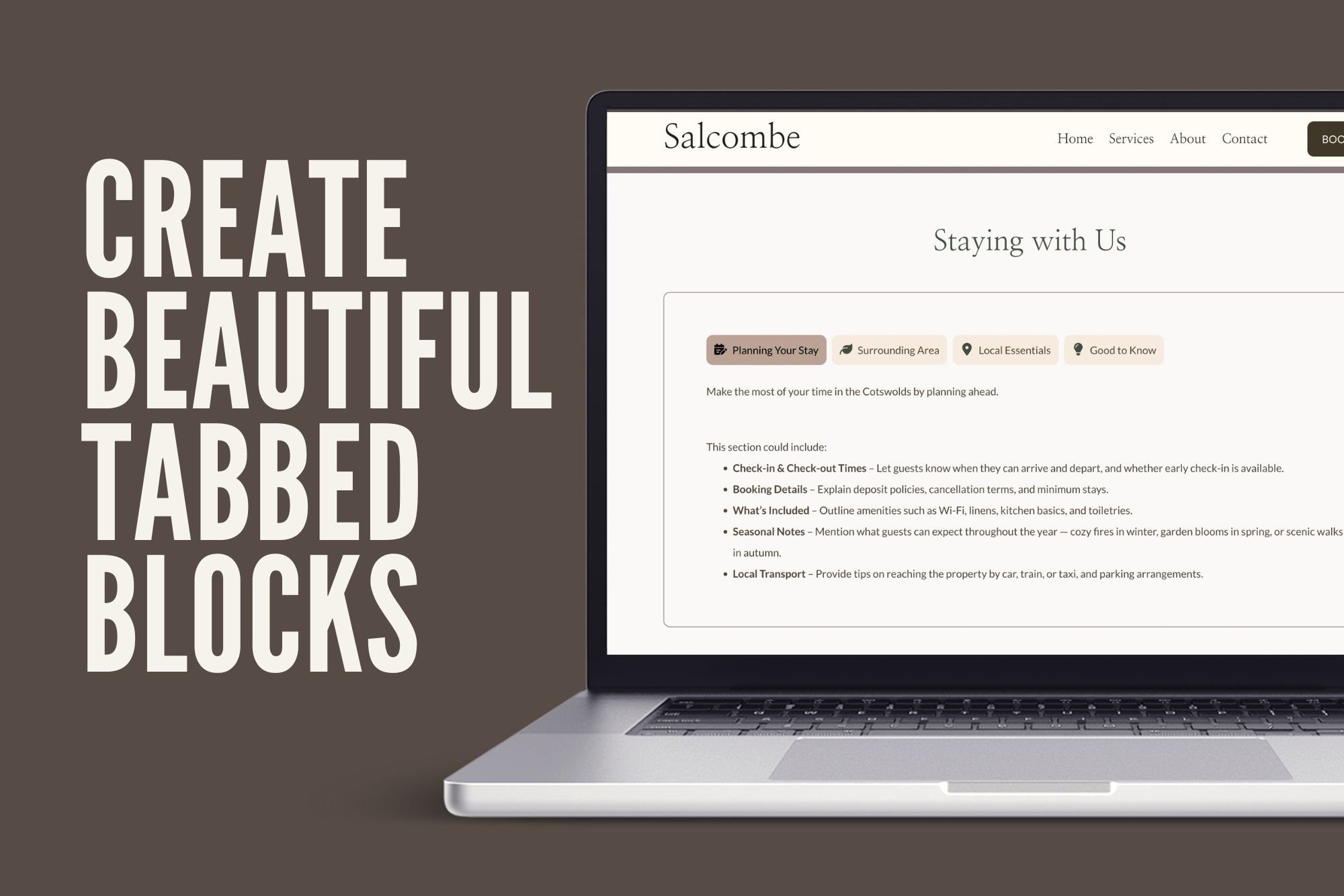
The Smarter Way to Share Product Details We’re thrilled to introduce one of our most requested new features: Tabbed Information Blocks — a beautifully simple way to organise content across your…
New updates have come to Create. Including new ways for customers to pay with Apple Pay and Google Pay. Copy and paste content, Integrations and much more!
From 29th August 2025, all UK parcels to the U.S. will face new import tariffs. Our latest guide explains what this means for your online store, how costs are calculated, and the steps you need to take to stay compliant.
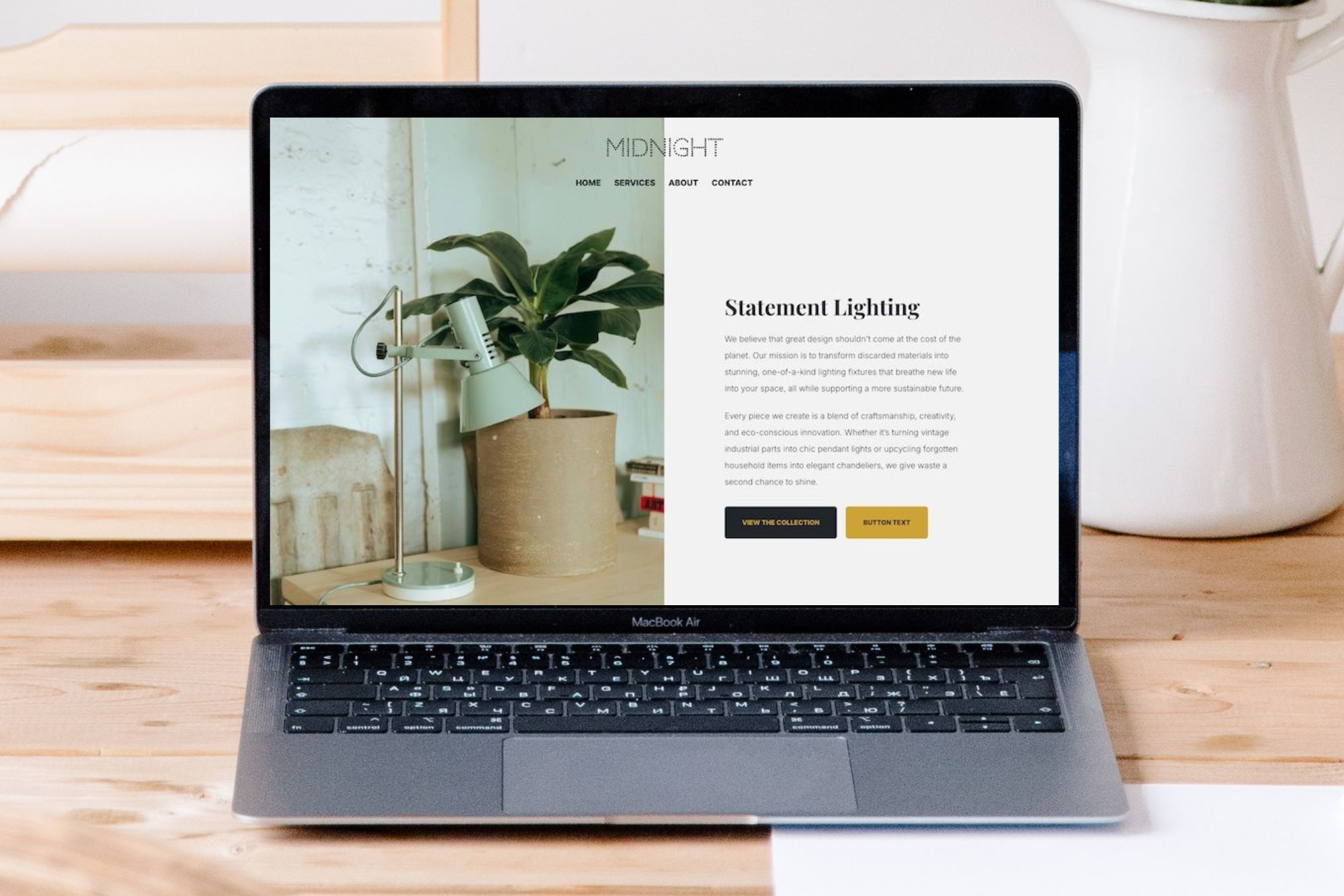
You don’t need to be a designer to create a site that feels professional and easy to use. With clear, actionable tips, this article helps you build a website that works better for both your business, and your visitors.
Designing your website with accessibility in mind doesn’t just support users with visual, hearing, motor, or cognitive impairments, it enhances usability and ensures your content reaches a wider audience.
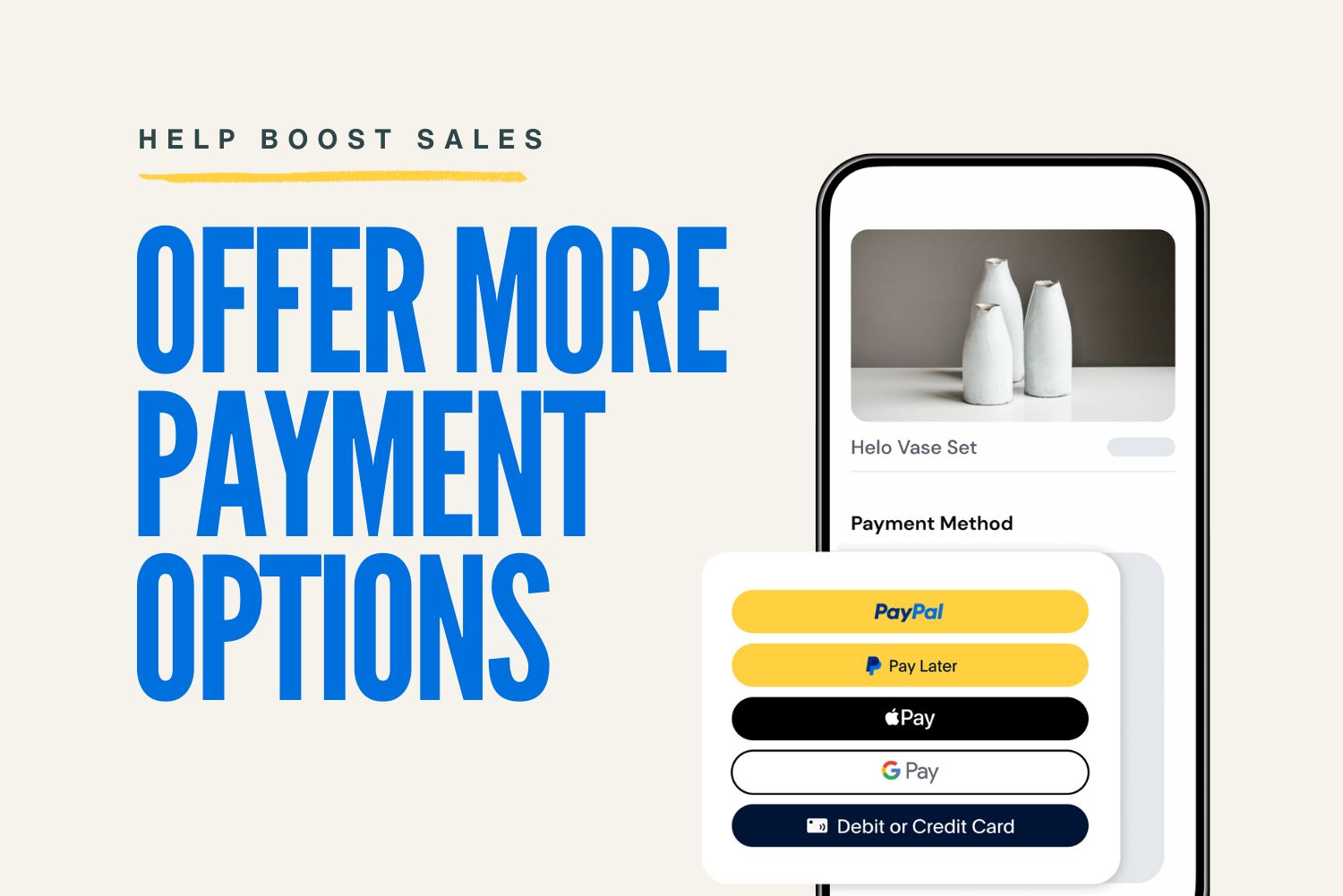
The new PayPal checkout experience brings a faster, more seamless payment process, with even more ways for your customers to pay. Find out how to upgrade your store today.
Discover the latest upgrades to your Create experience — from powerful new block types to smarter publishing controls. Don't miss what’s new!

Not sure where to begin with designing your website? Here's how to create the right theme for your brand and the perfect look for you.
New to SEO and not sure where to start? This beginner-friendly guide walks you through 7 simple and actionable steps that will help your website get into Google and Bing's search engines.
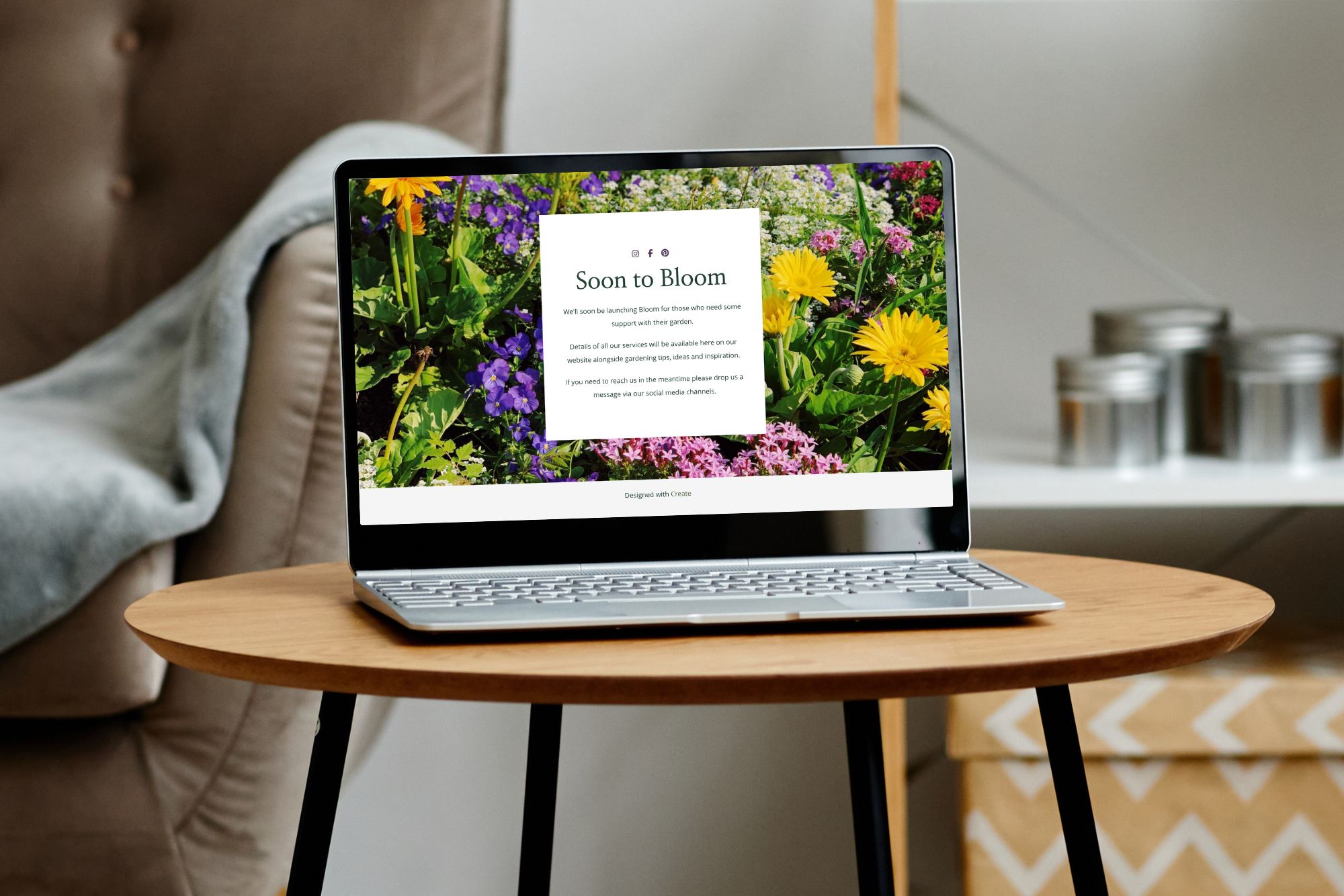
So, you’re building your dream website—exciting times! Whether you're a few days, or months away from going live you don't need to stay completely invisible. In fact, putting…
Download your Free Content Marketing Planner for 2025. Full of key dates and monthly tasks to help your business grow over the coming year.
Running workshops? Selling products? Sharing your expertise? Have you found customers always have questions? Here's how to setup a Frequently Asked Questions page on your website, free up your time and give visitors the information they need 24/7.
Disclaimer - Before you begin reading, please be aware that this article does not constitute legal guidance and we recommend receiving specific advice for your own products and industry.…
Discover our actionable tips for how you can plan your Christmas Marketing Promotions for your Small Business Website.
You know the feeling when you make a sale? The kind of feeling that makes you want to jump up and down and high-five everyone in the room? The small successes you achieve daily should…
Understanding the art of asking for customer testimonials can significantly enhance your credibility and attract more customers and clients online. However, collecting such testimonials…
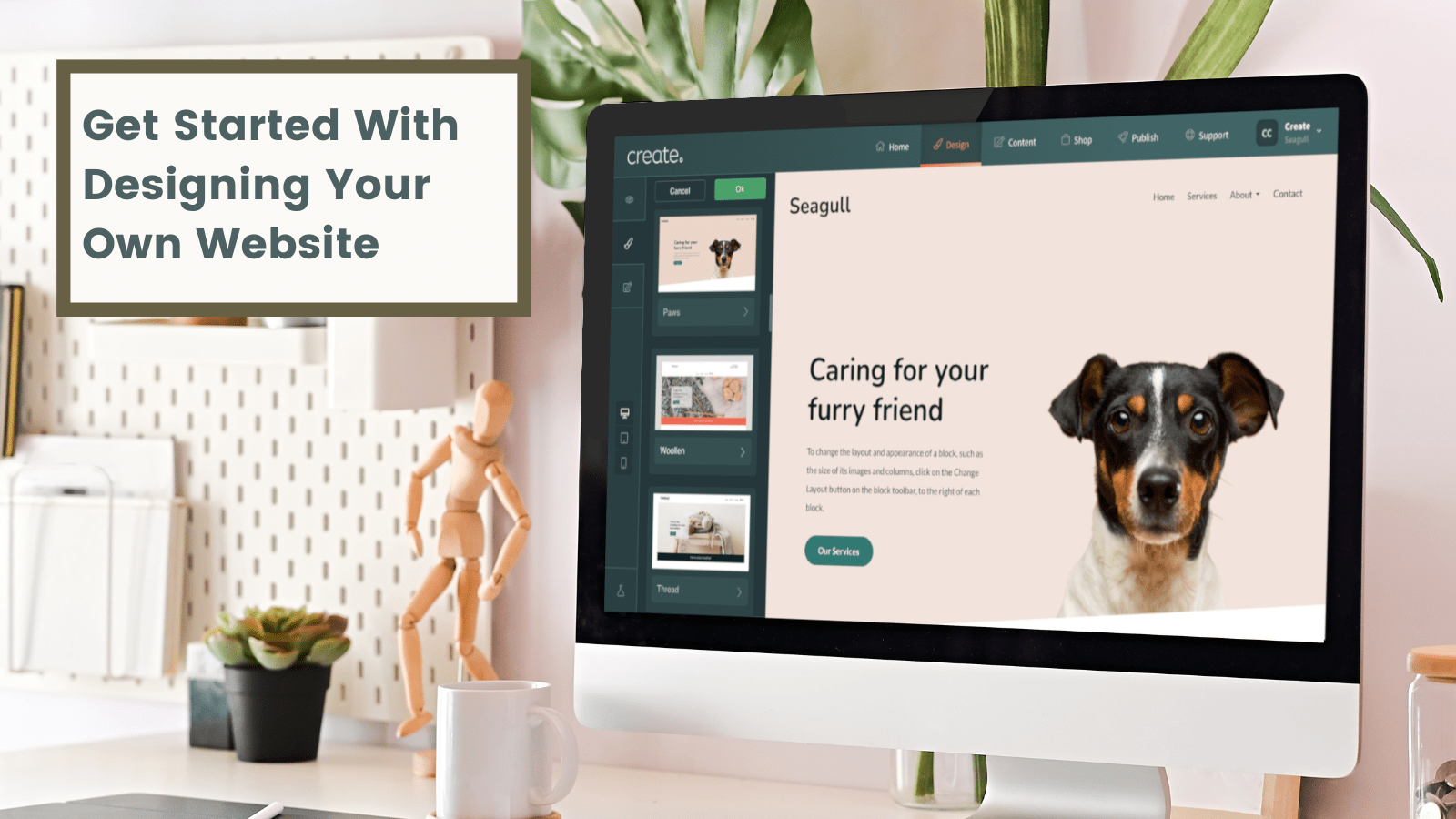
So you’re ready to make your mark on the internet. Building a website is an exciting and empowering experience. However, this is only after you’ve got the ball…
Your blog serves as a window into your business, showcasing your expertise and passion. However, hitting the publish button on a new post can sometimes be a little…
If you’re just starting out with building your first website, it won’t be long before you start hearing the term SEO bandied about here, there, everywhere (if you haven’t…